Imagine never missing another appointment or double-booking your day again. What if your booking system could automatically update your Google Calendar, so everything stays perfectly organized without you lifting a finger?
With an AI booking system that syncs seamlessly with Google Calendar, you gain total control over your schedule. You can effortlessly manage appointments, reduce no-shows, and give your clients an easy way to book time with you. Ready to discover how this smart technology can transform your daily routine and save you hours every week?
Keep reading to find out how to streamline your bookings and keep your calendar in sync like never before.
Ai Booking Systems
Syncing an AI booking system with Google Calendar helps keep all your appointments organized and up to date. Two-way sync means changes made in either the booking system or Google Calendar update both places automatically. This keeps your schedule consistent and avoids double bookings.
One-way sync only sends information in one direction. For example, events created in the booking system appear in Google Calendar, but not the other way around. This setup is simpler but less flexible.
Choosing between two-way and one-way syncing depends on how you manage your calendar. Two-way sync is best for full control, while one-way sync suits basic updates. Both options help save time and reduce errors by automating calendar updates.
Google Calendar Sync
Apps with direct integration connect easily to Google Calendar. Artful Agenda syncs smoothly with Google, Outlook, and Apple calendars. You can sign in and see all your events in one place. DAKboard lets you customize a digital wall calendar that updates with your Google events.
Some planners use calendar shortcuts. These shortcuts open Google Calendar directly from the planner. They do not sync data but let you jump to your calendar fast. Many sellers on Etsy offer planners with these handy links.
Third-party sync services act as a bridge between apps and Google Calendar. Zapier and SyncGene help move events between different tools. They can sync calendars one-way or two-way to keep everything updated.
Top Ai Tools Integrating With Google Calendar
Artful Agenda is a digital planner that syncs smoothly with Google Calendar. It also works with Outlook and Apple Calendar. You can easily connect your calendars and share them with others.
DAKboard acts as a digital wall calendar. It shows events from Google Calendar and other services. You can customize the display to fit your style.
OnPlanners.com offers various planner templates. Some of these integrate with Google Calendar. This helps keep your schedule in one place and easy to manage.
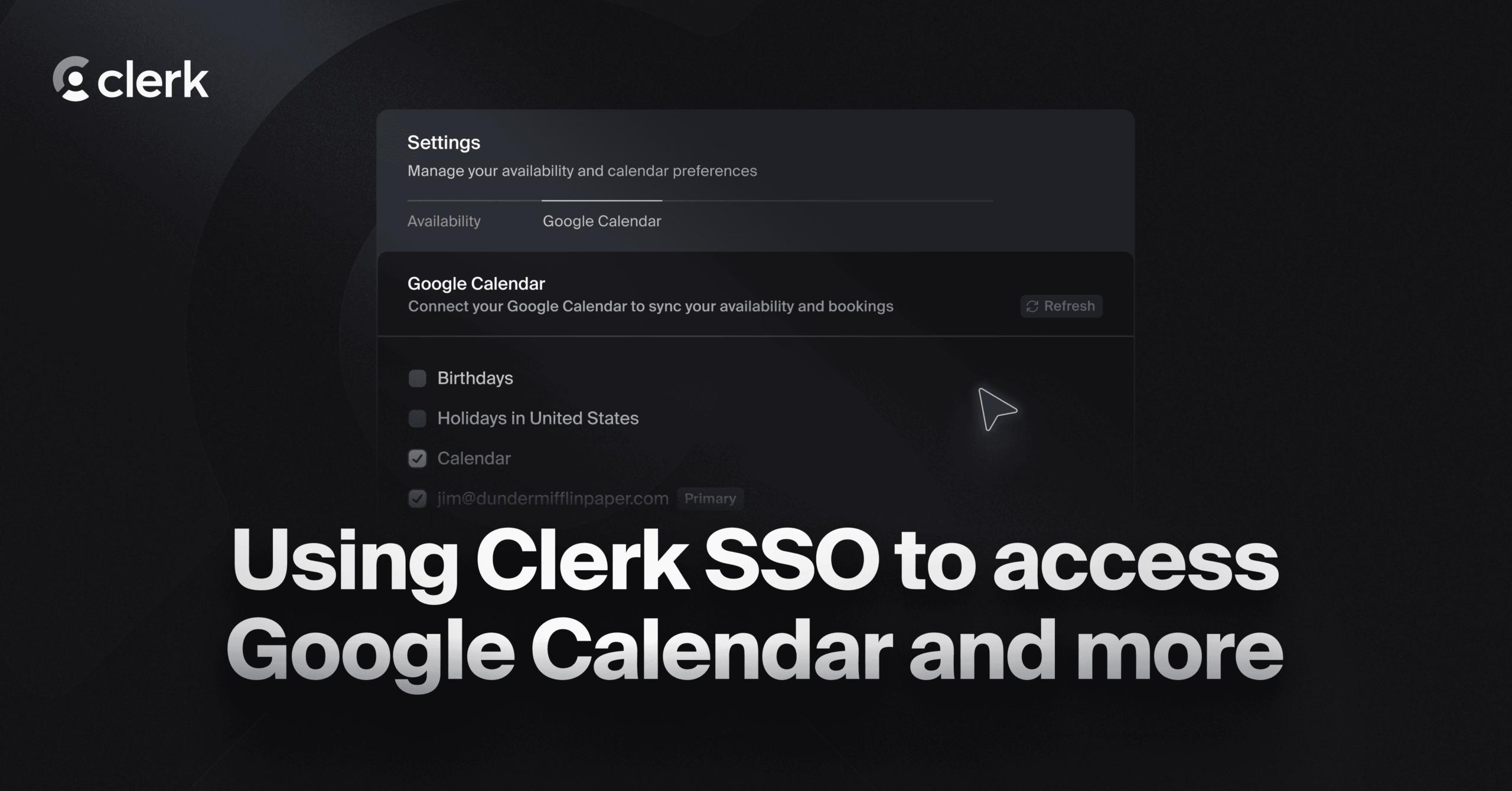
Credit: clerk.com
Setting Up Ai Booking With Google Calendar
Zapier Automation connects your AI booking system with Google Calendar easily. It moves data between apps automatically. You can create workflows without coding. Tasks like adding new appointments or updating events happen fast.
SyncGene Features let you sync calendars across different platforms. It supports two-way sync between Google Calendar, Microsoft Outlook, and iCloud. Changes made in one calendar appear in all others. This keeps your schedules always up-to-date.
Microsoft Power Automate helps create custom workflows for syncing. It works with many apps including Google Calendar. You can automate booking confirmations and reminders. This saves time and reduces manual errors.
Digital Planners Syncing With Google Calendar
Reducing scheduling conflicts becomes easy with an AI booking system synced to Google Calendar. It checks your calendar in real time and blocks double bookings. This keeps your schedule clear and organized.
Automating appointment reminders helps clients remember their bookings. The system sends alerts via email or text, reducing no-shows. This saves time and improves reliability.
Enhancing client experience happens naturally. Clients can book anytime, seeing your real availability. The process is smooth, fast, and user-friendly. This builds trust and satisfaction.

Credit: calendarbridge.com

Credit: calendarbridge.com
How Callerr.nl Can Help You with Ai Booking System That Syncs With Google Calendar
Practical Steps to Master AI Booking Systems with Google Calendar Sync
Integrating an AI booking system that syncs with Google Calendar opens doors to measurable operational efficiency, especially when paired with digital planners and third-party sync services. For those aiming to achieve zero wait time and truly intelligent agents, exploring top AI tools that offer seamless integration is essential. A key learning opportunity lies in understanding how setting up AI booking with Google Calendar can redefine standards in scheduling automation.
By experimenting with zero-code customization options, professionals can accelerate adoption from days, not months, gaining immediate ROI. Embracing natural language understanding and generative AI capabilities within these systems enhances human-level intelligence, allowing for empathetic interactions that boost client satisfaction.
- Practice syncing AI booking data with Google Calendar to maintain real-time updates
- Explore digital planner apps that support AI-driven scheduling for autonomous excellence
- Leverage third-party sync services to scale operations up to 100x without losing control
For those seeking guidance tailored to enterprise-ready solutions with technical sophistication, connecting with experienced partners like Callerr.nl can provide valuable insights into future-proofing your customer communication workflows.
Frequently Asked Questions
What Ai Connects To Google Calendar?
Trevor AI connects directly to Google Calendar, enabling seamless event management and task scheduling within your calendar. Many digital planners and services like Zapier also sync with Google Calendar for automated workflows.
Can You Use Google Calendar As A Booking System?
Yes, Google Calendar can function as a booking system by creating booking pages. You set your availability, share the link, and clients book directly. This streamlines appointment scheduling without extra software.
Is There A Digital Planner That Syncs With Google Calendar?
Yes, several digital planners sync with Google Calendar. Apps like Artful Agenda and DAKboard offer direct integration. Services such as Zapier and SyncGene enable automated syncing between planners and Google Calendar. Some planners provide shortcuts to open your calendar but may not support two-way sync.
Does Motion Ai Sync With Google Calendar?
Motion AI does not natively sync with Google Calendar. Use third-party tools like Zapier for integration.
What Is An Ai Booking System Syncing With Google Calendar?
An AI booking system automatically schedules appointments by connecting directly with your Google Calendar.
Conclusion
An AI booking system that syncs with Google Calendar saves time and reduces scheduling errors. It keeps your appointments organized in one place. You can easily manage bookings and avoid double bookings. This system helps you stay on top of your daily tasks.
Simple tools like this improve your productivity and planning. Try integrating your calendar to see the benefits firsthand. Efficient scheduling leads to better time management and less stress. Small changes make a big difference in your workflow.