Are you tired of last-minute cancellations and no-shows that disrupt your day and waste your valuable time? Imagine having a smart assistant that not only schedules your appointments but also ensures people actually show up.
An AI scheduling assistant that reduces no-shows can transform how you manage your calendar, saving you stress and boosting your productivity. You’ll discover how this technology works, why it matters for your business or personal life, and which tools can make your schedule more reliable.
Keep reading to find out how to take control of your time like never before.
Credit: dialzara.com
Benefits Of Ai Scheduling Assistants
AI scheduling assistants help lower no-shows by sending reminders and confirmations. They can automatically reschedule appointments if conflicts arise, keeping calendars accurate. This reduces empty slots and lost time.
These tools boost efficiency by managing calendars across platforms like Google Calendar and Outlook. They suggest best meeting times based on past availability, making scheduling smoother. AI helps protect focus time by creating smart time blocks for work and breaks.
Saving time and money is easy with AI handling routine tasks. It frees up staff from manual scheduling and follow-ups. Businesses avoid costs linked to missed appointments and improve resource use. Overall, AI assistants make scheduling simpler and more reliable.

Credit: calendarbridge.com
Features That Cut No-shows
Automated reminders and follow-ups help keep appointments on track. They send messages by email or text to remind clients. This reduces missed meetings by making sure people remember their times.
Dynamic rescheduling lets clients change appointments easily. The assistant finds new times that fit both parties quickly. This flexibility lowers no-shows caused by scheduling conflicts or forgetfulness.
Smart time suggestions analyze calendars to pick the best meeting slots. It avoids busy or inconvenient times, making it easier to attend. Choosing optimal times helps reduce cancellations and no-shows.
How Ai Optimizes Individual Schedules
Automated calendar management lets AI scan your calendar, emails, and tasks to find free slots. It books meetings and reminders without asking you. This helps keep your day organized and saves time.
Intelligent time blocking creates chunks of time for work, meetings, and breaks. It protects your focus by stopping tasks from overlapping. This way, you stay productive and avoid burnout.
Cross-platform syncing connects all your calendars and apps like Google Calendar, Outlook, and Slack. Your schedule updates everywhere at once. No need to check multiple places for your plans.
Ai In Workforce Scheduling
AI scheduling assistants use data to predict how many workers are needed. This helps avoid having too many or too few staff on shift. It makes the workplace run smoothly and reduces costs.
Scheduling is done fairly by AI, giving equal chances to all workers. It avoids bias by using clear rules and facts. This helps keep the team happy and trust strong.
AI can change schedules in real-time when things change suddenly. For example, if someone calls in sick, AI finds a quick replacement. This keeps work going without big problems or delays.
Top Ai Scheduling Tools
Reclaim AI and Motion help reduce no-shows by syncing calendars automatically. They send reminders and reschedule meetings easily. Sunsama organizes daily tasks with your schedule. It keeps you focused and on time. CalendarBridge connects multiple calendars to avoid conflicts and missed appointments.
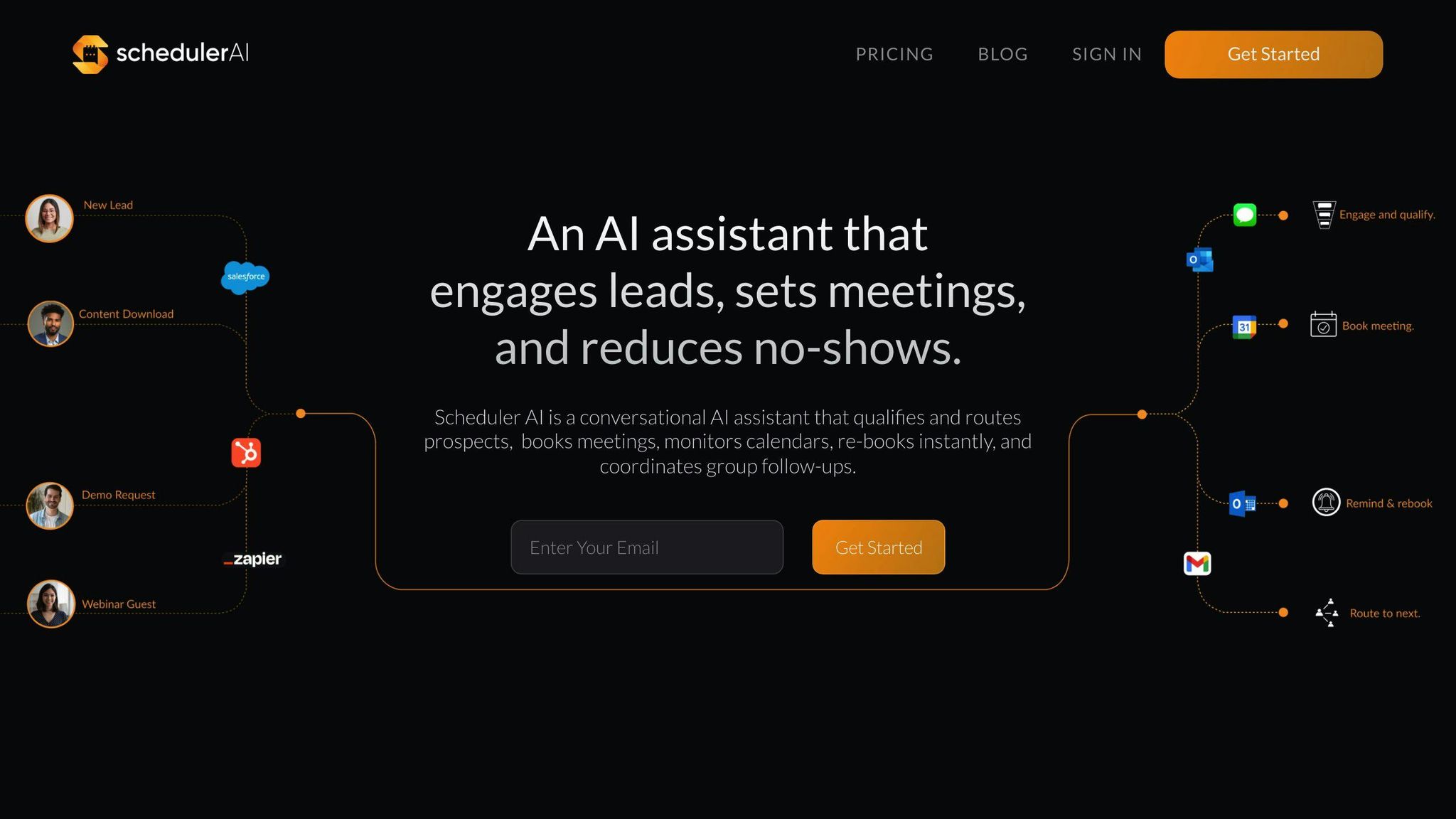
Scheduler AI uses smart suggestions to find the best meeting times. It also sends follow-up reminders to attendees. Many other AI tools offer features like automatic rescheduling, time blocking, and cross-platform syncing. These tools save time and lower the chance of missed meetings.
Integrations And Compatibility
The AI scheduling assistant works smoothly with Google Calendar and Outlook. It syncs your events and updates in real-time. This avoids double bookings and keeps your calendar clear.
Integration with Slack and messaging apps lets you schedule meetings directly from chats. You can confirm or reschedule appointments without leaving your conversation. This saves time and reduces confusion.
Email and task management tools also connect easily. The assistant can read emails to find meeting requests and add them automatically. It links tasks to your calendar, so nothing is missed.
| App Type | Benefits |
|---|---|
| Google Calendar & Outlook | Syncs events, updates in real-time, avoids double bookings |
| Slack & Messaging Apps | Schedule from chats, confirm or reschedule easily |
| Email & Task Management | Reads meeting requests, links tasks to calendar |
Implementing Ai Scheduling In Your Workflow
Choosing the right AI scheduling tool means finding one that fits your needs. Look for features like easy calendar syncing and automatic reminders. Some tools offer smart rescheduling that adjusts appointments if conflicts arise.
Training AI with your preferences helps improve accuracy. Teach the assistant your preferred meeting times and notification styles. The more data it has, the better it can reduce missed appointments.
| Metric | What to Measure | How It Helps |
|---|---|---|
| No-Show Rate | Percentage of missed appointments | Shows if scheduling improvements reduce no-shows |
| Rescheduling Frequency | How often appointments are changed | Indicates flexibility and AI’s adaptability |
| User Satisfaction | Feedback from users about the tool | Helps understand if AI meets user needs |
Credit: litslink.com
How Callerr.nl Can Help You with Ai Scheduling Assistant That Reduces No-Shows
Practical Learning Opportunities with AI Scheduling Assistants
Exploring AI scheduling assistants that reduce no-shows offers valuable insight into practical applications of next-generation automation. Understanding how AI optimizes individual schedules and integrates seamlessly into workforce management not only enhances measurable operational efficiency but also redefines scheduling standards.
For those seeking to deepen their knowledge, focusing on features that cut no-shows—such as intelligent reminders powered by natural language understanding and emotional cue recognition—can provide a framework for developing truly intelligent agents. Experimenting with zero-code customization and integration capabilities enables learners to appreciate how autonomous excellence and zero wait time translate into immediate ROI.
- Analyze scheduling patterns to identify no-show triggers
- Implement AI-driven follow-up workflows that adapt dynamically
- Leverage large language models to personalize communication and reduce cancellations
Organizations like Callerr.nl exemplify how technically sophisticated yet accessible AI solutions can be embedded into daily workflows within days, not months. For further guidance or technical discussion, connecting with experts familiar with these advanced AI tools can accelerate your journey toward future-proof scheduling excellence.
Frequently Asked Questions
What Is The Best Ai Scheduling Assistant?
The best AI scheduling assistants include SkedPal for time-blocking, Akiflow for integrations, and Clara for email-based management. These tools automate calendar tasks, optimize meeting times, and adapt schedules in real-time to reduce no-shows and boost productivity effectively.
Can Ai Help Me With Scheduling?
Yes, AI helps with scheduling by automating calendar management, suggesting optimal meeting times, and adjusting plans in real-time. It improves efficiency for individuals and businesses by optimizing time and reducing conflicts.
Can An Ai Assistant Handle Complex Scheduling?
Yes, AI assistants efficiently handle complex scheduling by automating tasks, optimizing time, and dynamically adjusting calendars. They manage meetings, predict staffing needs, and integrate multiple platforms for seamless planning. AI ensures fair, real-time scheduling, reducing conflicts and no-shows for individuals and businesses alike.
How Much Do Ai Scheduling Assistants Cost?
AI scheduling assistants typically cost between $5 and $50 per user monthly, depending on features and plans. Some offer free basic versions with limited functionality. Prices vary by provider and business size.
What Is An Ai Scheduling Assistant?
An AI scheduling assistant is software that helps plan and manage appointments automatically.
Conclusion
AI scheduling assistants help reduce no-shows by managing calendars smartly. They send timely reminders and allow easy rescheduling. This keeps appointments on track and saves time. Businesses and individuals both benefit from fewer missed meetings. Using AI tools means less stress and better productivity.
Choosing the right assistant can improve your daily planning. Small steps lead to smoother schedules and happier clients. Keep your calendar organized and avoid last-minute surprises. AI scheduling makes managing time easier for everyone.