
Are you tired of juggling endless inbound calls that overwhelm your customer support team? What if you could free up their time while still providing fast, accurate help to every caller?
Automating inbound calls isn’t just a tech upgrade—it’s a smart way to transform how your business connects with customers. You’ll discover simple, practical steps to set up automation that handles routine questions, directs calls to the right agent, and keeps your customers satisfied without delays.
Keep reading, and you’ll learn exactly how to boost your support efficiency and deliver better service—without losing the personal touch your customers expect.
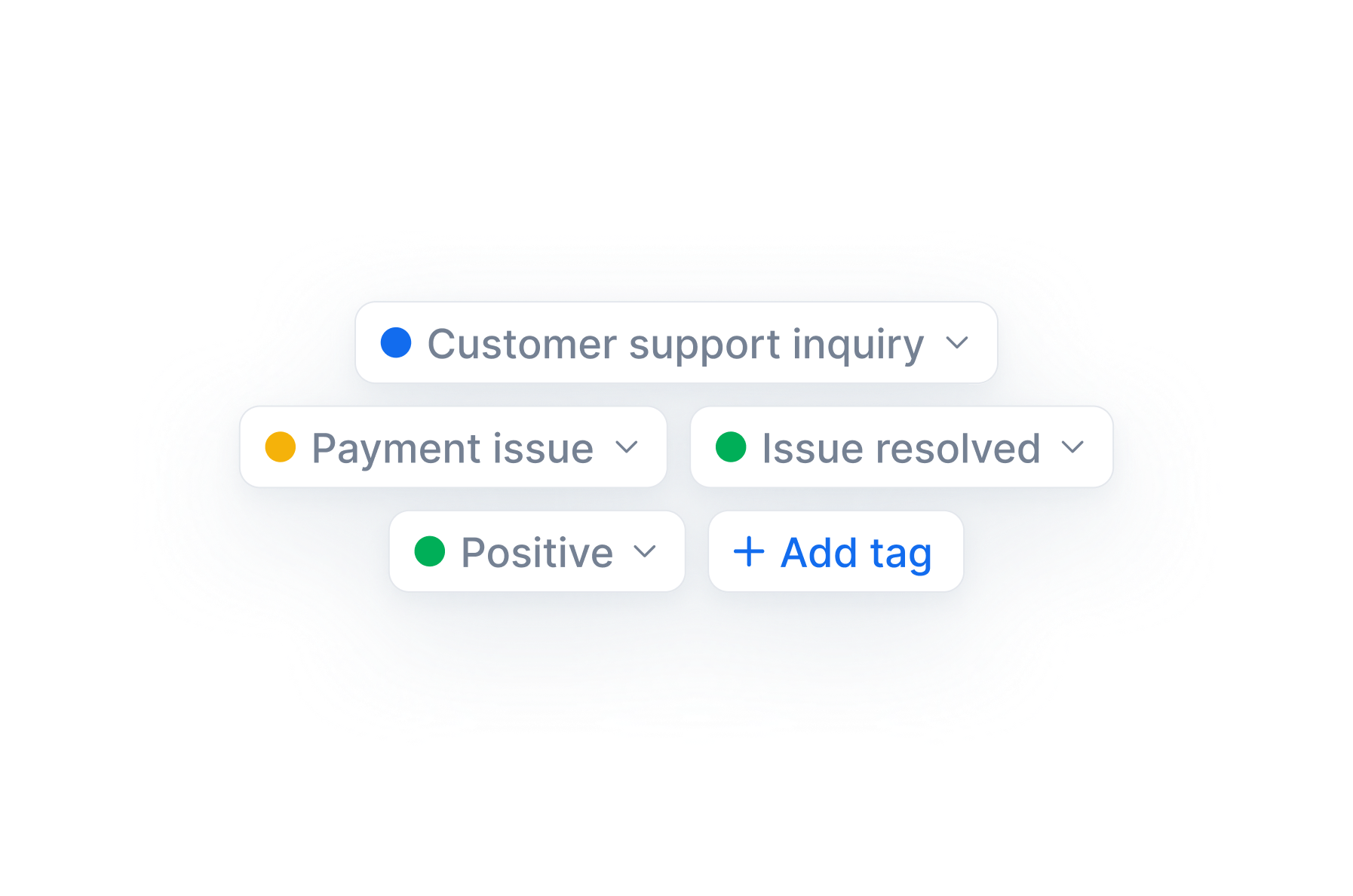
Credit: diallink.com
Benefits Of Automating Inbound Calls
Automating inbound calls greatly reduces wait times. Customers get quicker answers without long holds. Calls are directed to the right place fast, cutting down delays.
Agent productivity improves because automation handles routine tasks. Agents focus on complex problems, not repeating simple info. This boosts efficiency and lowers stress.
Automation also enhances customer experience. Customers enjoy faster, smoother interactions. They feel valued when calls are answered promptly. Clear, consistent responses build trust and satisfaction.

Credit: viasocket.com
Common Customer Inquiries To Automate
Sentiment analysis helps identify customer emotions during calls. It lets support teams prioritize urgent issues quickly. Calls with negative tones get fast responses to improve satisfaction.
AI-driven email sorting organizes incoming emails automatically. It sorts messages by topic, urgency, or sender. This saves time and ensures no important email is missed.
Automated customer feedback surveys collect opinions without manual work. After support calls, surveys are sent out to gather feedback. This helps improve service and spot common problems fast.
Key Automation Tools
Start by assessing your needs and goals. Understand what types of calls require automation. Identify common issues and repetitive tasks to focus on.
Select automation tools that fit your needs. Choose user-friendly software with good support. Popular options include AI chatbots, interactive voice response (IVR) systems, and call routing tools.
Train your support teams to work with new tools. Provide clear instructions and practice sessions. This helps agents handle calls smoothly alongside automation.
Monitor performance and gather feedback. Track key metrics like call wait times and resolution rates. Use customer and agent feedback to improve the system continuously.

Credit: gettalkative.com
Advanced Ai Features
Handling complex queries can be tough for automated systems. Some questions need human thinking and empathy. Using a hybrid model helps, where simple calls are automated, but complex ones go to live agents. This keeps customers happy and saves time.
Maintaining a personal touch is key. Customers want to feel heard and valued. Using friendly voice assistants and personalized messages can make automation feel warmer. Small gestures like using customers’ names help build trust.
| System Integration Issues | Solutions |
|---|---|
| Different software not working together | Use middleware to connect systems smoothly |
| Data inconsistency across platforms | Implement a central database for all info |
| Slow response due to poor integration | Optimize APIs and improve server speed |
How Callerr.nl Can Help You with How to Automate Inbound Calls for Customer Support
Practical Learning Opportunities in Automating Inbound Calls
To truly master automating inbound calls for customer support, it’s essential to engage with practical learning that bridges theory with real-world application. Focus on exploring how key automation tools and advanced AI features—such as Natural Language Understanding and generative AI—can be configured to handle common customer inquiries. Hands-on experience with integration strategies will deepen your understanding of seamless workflows and measurable operational efficiency.
Consider experimenting with zero-code customization platforms that enable rapid deployment and iteration in days, not months. This approach promotes autonomous excellence by allowing you to scale instantly and redefine standards for zero wait time and truly empathetic interactions. Tracking success metrics throughout implementation helps reinforce the immediate ROI and human-level intelligence that next-generation automation delivers.
- Map out frequent call types to automate efficiently
- Test integration points between AI agents and existing CRM systems
- Analyze operational data to continuously improve call automation rates
If you seek further insights or technical guidance on future-proofing your customer communication with truly intelligent agents, connecting with experienced partners—such as those behind Callerr.nl—can provide valuable resources without complicating your learning journey.
Frequently Asked Questions
How To Automate Customer Support?
Automate customer support by using AI chatbots, self-service knowledge bases, and automated ticket routing. Integrate systems for seamless responses. Train your team and monitor performance to improve efficiency.
How Do You Handle Inbound Calls Effectively?
Handle inbound calls effectively by answering promptly, listening actively, and resolving issues quickly. Use clear communication and remain polite. Prioritize calls based on urgency and maintain accurate records. Train staff regularly to improve skills and use call management tools for efficiency.
What Is An Example Of Inbound Call Center Script?
An inbound call center script example: “Thank you for calling [Company]. How can I assist you today? I’m here to help resolve your issue quickly. “
Can You Schedule An Automated Call?
Yes, you can schedule automated calls using AI-powered tools. These calls run at set times to reach customers efficiently.
What Are The Key Benefits Of Automating Inbound Customer Calls?
Automation saves time, reduces wait times, improves response consistency, and frees agents for complex issues.
Conclusion
Automating inbound calls improves customer support efficiency. It reduces wait times and handles routine questions quickly. Customers get faster, clearer answers every time they call. Your team can focus on complex problems without distraction. Start small, test each tool, and adjust as needed.
This approach makes support smoother and more reliable. Automation helps your business stay responsive and organized. It supports growth while keeping customers satisfied and loyal.